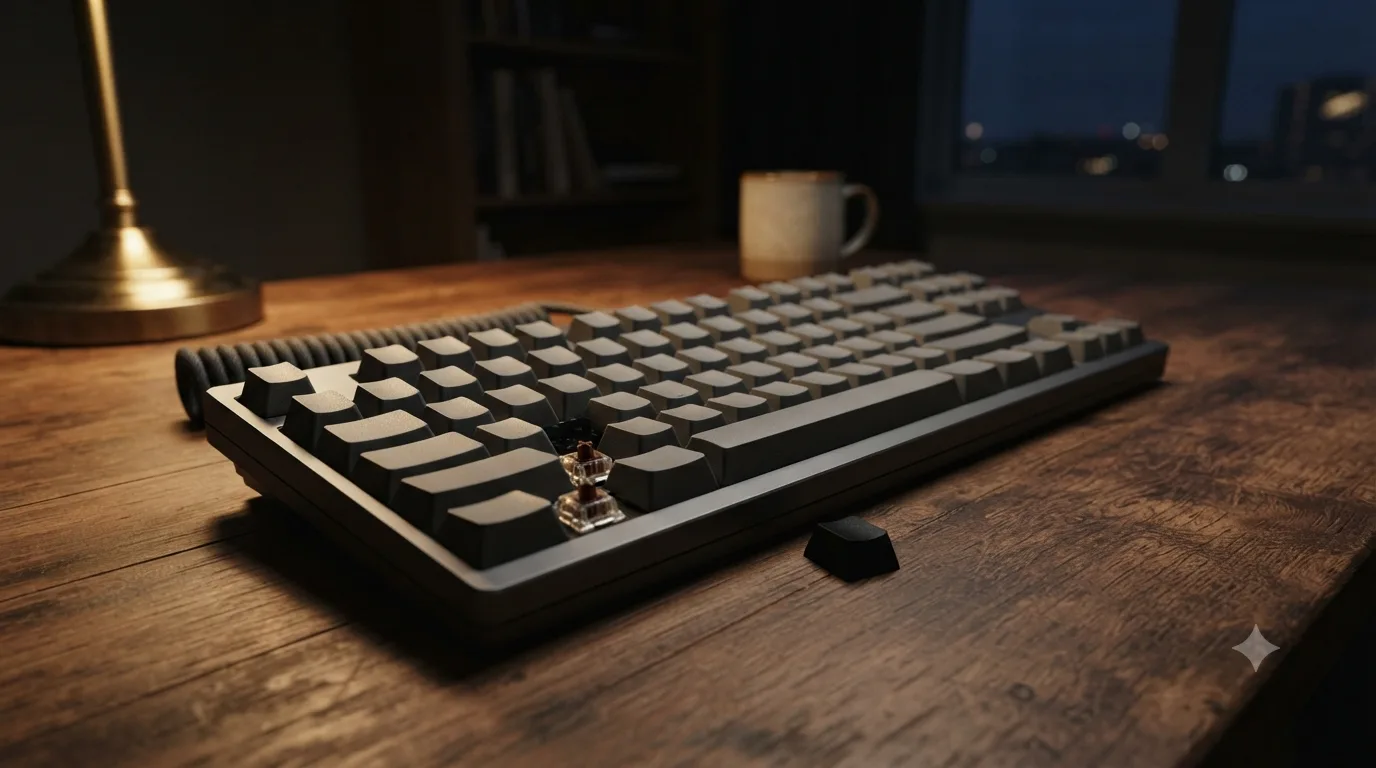
Best Mechanical Keyboards 2026 — Marketing Decoded
The features that actually decide a mechanical keyboard are hot-swap (change switches without soldering — 5-pin sockets are the most flexible), keycap material (PBT resists shine, ABS goes glossy in months), switch feel (linear / tactile / clicky is a preference, not a speed advantage), layout size (75% or TKL suits most desk workers), and QMK/VIA for real, portable key remapping. The best all-round value is the Keychron V-series; the best wireless workhorse is the Keychron K8 Pro; the budget triple-mode pick is the RK Royal Kludge RK84. Ignore "gaming switch" labels and 8000Hz polling for typing — both are marketing at a desk.
The one thing to know: "Gaming switch" is mostly marketing. A switch's real, measurable traits are its type (linear / tactile / clicky), actuation force (typically ~45–62g), and actuation distance (~1.2–2.0mm) — none of which is inherently 'for gaming' or 'for typing.' Linear switches are popular with gamers because the smooth, bump-free travel feels consistent, but that's a feel preference, not a performance category. The one genuine performance feature is adjustable-actuation / rapid-trigger optical or Hall-effect switches, which shorten reset for competitive FPS — and even those do nothing for typing speed.
Our picks — by role, not by hype
Research-based picks (how we evaluate), built from manufacturer specifications and switch/keycap engineering rather than a scoring rubric. Live Amazon search links, no product prices or star ratings, and one honest drawback on every board. We only list keyboards actually sold on Amazon US.
Keychron V6 (Full-Size) / V-Series
Full-size, 65%, 75% & TKL options · hot-swap 5-pin PCB · gasket mount · doubleshot PBT keycaps · QMK/VIA · wired USB-C (V) or 2.4GHz + Bluetooth (V-Max) · 1000Hz polling wired
The default answer for a first serious board: genuine gasket mount, a 5-pin hot-swap PCB, real QMK/VIA remappability and doubleshot PBT keycaps — the features that actually matter — at a value price, with a size for every desk (60/65/75/TKL/full).
Best for: Desk workers and developers who want a customizable, future-proof board without building one from parts
Watch out: The wired V-series has no wireless; you pay up for the V-Max to get 2.4GHz/Bluetooth. It's also on the heavier side and, like most gasket boards, benefits from a switch/stab tune to sound its best out of the box.
Check price on AmazonNot deciding today? Add it to your cart over there — Amazon keeps it saved (and flags any price change) until you're ready.
Keychron K8 Pro / K-Pro Series
TKL (87-key), also 65%/75% in the line · hot-swap · Bluetooth 5.1 multi-device (up to 3) + wired USB-C · QMK/VIA · doubleshot PBT · Mac/Windows layouts · ~4000mAh battery
One of the few genuinely QMK/VIA-programmable wireless boards: multi-device Bluetooth for switching between laptop and desktop, hot-swap sockets, and Mac + Windows keycaps in the box.
Best for: Multi-machine desk workers who want wireless plus real remapping
Watch out: Bluetooth adds a little latency versus wired or a 2.4GHz dongle (imperceptible for typing, not ideal for twitch gaming), and QMK/VIA on the wireless models is more limited than on the wired Q/V line. Battery life drops sharply with the RGB backlight on.
Check price on AmazonNot deciding today? Add it to your cart over there — Amazon keeps it saved (and flags any price change) until you're ready.
Keychron V1 / C3 Pro
75% (V1) / TKL (C3 Pro) · hot-swap (V1, 5-pin) · QMK/VIA · wired USB-C · PBT keycaps (V1) · south-facing RGB
Brings the features enthusiasts actually care about — hot-swap, QMK/VIA, PBT — down to an entry price. The C3 Pro is the wired-budget benchmark; the V1 adds hot-swap and a knob option.
Best for: First-time buyers who want to try different switches later without soldering
Watch out: Wired only (no wireless at this tier), and the C3 Pro's keycaps are ABS on some trims and it is not hot-swappable — check the exact model. Basic foam and stabilizers mean it won't sound as refined as the pricier Q-series.
Check price on AmazonNot deciding today? Add it to your cart over there — Amazon keeps it saved (and flags any price change) until you're ready.
RK ROYAL KLUDGE RK84
75% (84-key) · hot-swap 3/5-pin PCB · triple-mode Bluetooth 5.0 + 2.4GHz dongle + wired USB-C · RGB · ~3750mAh battery (~200 hrs backlight off) · switch choice (linear/tactile/clicky)
The value king of wireless: triple-mode connectivity, a hot-swap board that takes 3- and 5-pin switches, and a large ~3750mAh battery — a lot of flexibility for the money.
Best for: Budget buyers who want wireless plus the ability to swap switches
Watch out: No QMK/VIA (uses RK's own Windows-only software), keycaps are commonly ABS that will shine faster than PBT, and build quality and stabilizer rattle are a step below Keychron. Battery life with RGB on is far shorter than the backlight-off figure.
Check price on AmazonNot deciding today? Add it to your cart over there — Amazon keeps it saved (and flags any price change) until you're ready.
Logitech MX Mechanical / MX Mechanical Mini
Full-size / 75% (Mini) · low-profile tactile, linear or clicky · Bluetooth + Logi Bolt USB receiver, multi-device (3) · backlit · NOT hot-swap · NOT QMK/VIA · battery up to ~15 days backlit / ~10 months backlight off
The productivity pick: low-profile switches, rock-solid multi-device wireless with Logi Bolt, Flow cross-computer control, and a quiet-enough office sound — a mechanical feel in a business-friendly package.
Best for: Professionals who prioritize multi-device wireless and a low-profile, office-appropriate board over customization
Watch out: It is a sealed appliance: no hot-swap, no QMK/VIA, and the keycaps aren't meant to be replaced or tuned. You're buying convenience and battery life, not a platform to modify.
Check price on AmazonNot deciding today? Add it to your cart over there — Amazon keeps it saved (and flags any price change) until you're ready.
EPOMAKER TH80 Pro / Shadow-X
75% / 80% · gasket mount · hot-swap 5-pin · triple-mode Bluetooth + 2.4GHz + wired · pre-lubed switches, PBT keycaps, sound-dampening foam · knob · south-facing RGB
Ships with the 'endgame' touches pre-done — gasket mount, pre-lubed switches, PBT caps and case foam — so it sounds and feels tuned out of the box without you lubing anything.
Best for: Buyers who want that deep, tuned typing sound without building or modding
Watch out: No QMK/VIA (proprietary software), and quality control is more variable than the big brands — occasional stabilizer rattle or a chattering hot-swap socket is the tradeoff for the price. Verify current Amazon availability of the exact model.
Check price on AmazonNot deciding today? Add it to your cart over there — Amazon keeps it saved (and flags any price change) until you're ready.
NuPhy Air75 V2 / Halo75
75% low-profile · hot-swap (low-profile switches) · triple-mode Bluetooth 5.1 + 2.4GHz + wired · PBT keycaps · south-facing RGB · slim aluminum frame
A rare low-profile board that's still hot-swappable, with a genuinely premium slim build and triple-mode wireless — a laptop-like height without giving up switch choice.
Best for: Laptop users who want a thin profile but still want to swap switches and keep a mechanical feel
Watch out: Low-profile switches and keycaps are a separate, smaller ecosystem — far fewer switch and keycap options than standard MX, and replacements cost more. Not QMK on all models; check the specific SKU.
Check price on AmazonNot deciding today? Add it to your cart over there — Amazon keeps it saved (and flags any price change) until you're ready.
Razer Huntsman V3 Pro TKL (or G Pro X TKL Rapid)
TKL · analog optical / rapid switches · adjustable actuation + rapid-trigger · up to 8000Hz polling · doubleshot PBT · wired (Huntsman) · NOT hot-swap standard MX
For competitive FPS specifically, adjustable-actuation optical switches with rapid-trigger and very high polling rates give a real, measurable latency edge — the one place 'gaming' switch tech is not just marketing.
Best for: Competitive gamers who genuinely benefit from rapid-trigger and adjustable actuation
Watch out: For typing, none of this matters — 8000Hz polling and analog actuation make zero difference to words per minute, and these boards cost a large premium for features a desk worker will never use. The optical switches also aren't standard MX hot-swap, so you're locked to the brand's switches.
Check price on AmazonNot deciding today? Add it to your cart over there — Amazon keeps it saved (and flags any price change) until you're ready.
Compare the specs that matter
Not RGB and not marketing wattage — the six specs that decide how a board wears, sounds, connects, and remaps.
| Feature | Keychron V6 | Keychron K8 Pro | RK Royal Kludge RK84 | Logitech MX Mechanical | EPOMAKER TH80 Pro | NuPhy Air75 V2 |
|---|---|---|---|---|---|---|
| Layout size | Full/60–TKL options | TKL (65/75 too) | 75% | Full / 75% Mini | 75/80% | 75% low-profile |
| Hot-swap | 5-pin | Yes | 3/5-pin | No | 5-pin | Yes (LP) |
| Keycaps | PBT | PBT | ABS (common) | ABS-type | PBT | PBT |
| Connectivity | V: wired · V-Max: 2.4G+BT | BT + wired | BT + 2.4G + wired | BT + Logi Bolt | BT + 2.4G + wired | BT + 2.4G + wired |
| QMK/VIA | Yes | Yes (limited) | No (own SW) | No | No (own SW) | Varies |
| Best role | Overall value | Wireless workhorse | Budget triple-mode | Office productivity | Pre-built enthusiast | Low-profile wireless |
How to choose — decode the claim, then buy
Switch type is a feel preference
Linear, tactile, and clicky describe how a keypress FEELS, not how fast you type. Linear is smooth top-to-bottom; tactile has a mid-press bump; clicky adds a click sound to that bump. In typing-speed tests across all three on the same board, words-per-minute barely moves — what changes is comfort and typo rate over a long session, which is personal. Pick by the feel and sound you like, not by a promised speed advantage. Full breakdown →
"Gaming switch" is mostly marketing
"Gaming switch" is mostly marketing. A switch's real, measurable traits are its type (linear / tactile / clicky), actuation force (typically ~45–62g), and actuation distance (~1.2–2.0mm) — none of which is inherently 'for gaming' or 'for typing.' Linear switches are popular with gamers because the smooth, bump-free travel feels consistent, but that's a feel preference, not a performance category. The one genuine performance feature is adjustable-actuation / rapid-trigger optical or Hall-effect switches, which shorten reset for competitive FPS — and even those do nothing for typing speed. Best Mechanical Keyboard on Amazon Decoded →
Keycap material beats RGB
Keycap material matters more than RGB for how a board wears and sounds. PBT plastic resists the greasy 'shine' that develops on high-use keys, keeping its matte texture for years; ABS is softer and polishes to a gloss on the spacebar and home row within months to a year of daily use. PBT also tends to sound a touch deeper. 'Doubleshot' vs 'dye-sublimated' describes how legends are made (so they don't wear off), separate from the PBT-vs-ABS material question. Shine-through legends usually require thinner or specially-molded caps. PBT vs ABS →
Hot-swap is the real future-proofing
Hot-swap is the real future-proofing. A hot-swap PCB has sockets that let you pull and replace switches by hand — no soldering — so you can change switch feel later or fix a dead switch in seconds. The catch is pin count: 3-pin (plate-mount) switches fit any hot-swap board, but 5-pin (PCB-mount) switches have two extra plastic legs and need a 5-pin socket (you can clip the legs to fit a 3-pin board). A 5-pin hot-swap socket accepts both, so it's the more flexible choice. 3-pin vs 5-pin →
Pick a layout size by reach vs function
Layout size is a reach-vs-function tradeoff, not a quality tier. Full-size (100%) keeps the numpad; TKL (80%) drops it for more mouse room; 75% keeps the function row and arrows in a tight block; 65% drops the function row (keeps arrows); 60% drops arrows and function row entirely, using layers. Smaller boards free desk space and shorten the reach to your mouse, but push keys onto a Fn layer. Most desk workers land on 75% or TKL as the balance; numpad-heavy work wants full-size. Size guide →
Polling rate & wireless latency: over-marketed
Polling rate is how often the keyboard reports to the PC: 125Hz = every 8ms, 500Hz = 2ms, 1000Hz = 1ms, and marketing '8000Hz' = 0.125ms. Going from 125Hz to 1000Hz cuts worst-case input delay from ~8ms to ~1ms — a real but tiny change that is completely imperceptible for typing and only marginally relevant to competitive gaming. Above 1000Hz the returns are effectively nil for humans and can raise CPU usage. It is one of the most over-marketed keyboard specs. Polling truth →
Answers by buyer question
Decode the claims first
Frequently Asked Questions
Not in the way the marketing implies. A switch's measurable traits are its type (linear/tactile/clicky), actuation force (usually 45–62g), and actuation distance (1.2–2.0mm). 'Gaming switch' usually just means a light linear switch, which is a feel preference — it does not raise typing speed. The one genuine performance feature is adjustable-actuation optical or Hall-effect switches with rapid-trigger, which help competitive FPS reset time but do nothing for typing.
There's no 'best' — it's preference. Linear is smooth, tactile has a mid-press bump, clicky adds a click sound. In typing-speed tests across all three on the same keyboard, words-per-minute barely changes; what changes is comfort and typo rate over a long session. Office users often prefer quiet tactiles or silent linears so they don't disturb others; the click of clicky switches is divisive.
Yes, more than RGB does. PBT keycaps resist the greasy 'shine' that develops on high-use keys and hold their matte texture for years. ABS is softer and polishes to a gloss on the spacebar and home row within months to a year of daily use, and tends to sound slightly higher-pitched. If a board is otherwise equal, PBT keycaps are the more durable choice.
A hot-swap PCB lets you pull and replace switches by hand with no soldering, so you can change how the board feels later or fix a dead switch in seconds. It's the single best future-proofing feature. Watch the pin count: 5-pin sockets accept both 3-pin and 5-pin switches (the most flexible); a 3-pin socket needs 5-pin switches to have their extra legs clipped.
It's a reach-vs-function tradeoff. Full-size keeps the numpad; TKL drops it for more mouse room; 75% keeps the function row and arrows in a compact block; 65% drops the function row but keeps arrows; 60% drops both and uses a Fn layer. Most desk workers and developers land on 75% or TKL. Choose full-size only if you regularly use the numpad.
Almost never. Polling rate is how often the board reports to the PC — 1000Hz (1ms) is standard and completely imperceptible for typing; advertised 8000Hz is marketing for humans. A 2.4GHz wireless dongle is effectively as fast as wired; Bluetooth adds latency you'll notice only in fast gaming, not typing. For desk work, battery life and multi-device switching matter far more than any millisecond figure.
QMK is open-source firmware that runs on the keyboard; VIA is a graphical app that remaps keys, builds layers, and records macros live, storing the config on the board so it works on any computer without extra software. If you want genuine, portable key remapping (common for developers), look specifically for QMK/VIA — many budget boards say 'programmable' but only mean brand-specific Windows software that isn't the same thing.
How we work
We're a research-based site: we analyze manufacturer specifications, switch and keycap engineering, and aggregated owner-feedback themes rather than lab-testing every board. We explain tradeoffs plainly, always name a downside, and report measurable specs — never a promise about comfort, strain, or health. Read our full methodology →