Keyboard Sizes Explained: 60% vs 65% vs 75% vs TKL vs Full-Size
Keyboard size is a reach-vs-function tradeoff, not a quality tier. The real key counts: full-size ≈ 104 keys (numpad included), 96%/1800 ≈ 100 (numpad kept, gaps deleted), TKL/80% = 87–88 (numpad gone), 75% ≈ 82–84 (F-row and arrows kept, compressed), 65% ≈ 67–68 (arrows kept, F-row gone), 60% ≈ 61 (arrows and F-row moved to a Fn layer), 40% (number row gone too — enthusiast only). Decide by what you actually press: numpad daily → full or 96%; F-keys daily → 75% or larger; arrow keys constantly → 65% minimum; want maximum mouse room and will genuinely learn layers → 60%. Most desk workers and developers land on 75% or TKL.
The size decoder — real key counts, not percentages
The percentage names are approximate marketing shorthand; the key counts below (ANSI/US layout) are what actually changes between sizes.
| Size | Keys (ANSI) | What you keep | What you lose | Who it fits |
|---|---|---|---|---|
| Full-size (100%) | ~104 | Everything: numpad, F-row, arrows, nav cluster | Nothing — but it's the widest board | Data entry, accounting, spreadsheet-heavy work |
| 96% / 1800 | ~100 | Numpad, F-row, arrows — compressed together | The gaps between clusters (short misreach period) | Numpad users who want a narrower footprint |
| TKL / 80% | 87–88 | F-row, arrows, full nav cluster, standard spacing | Numpad (17 keys) | The "default" for desk workers; gamers wanting mouse room without relearning anything |
| 75% | ~82–84 | F-row and arrows in a tight block | Cluster gaps and some nav keys (brief adjustment) | Developers and desk workers who use F-keys; the current sweet spot |
| 65% | ~67–68 | Arrow keys, usually Delete + a nav column | The entire F-row (moves to Fn layer) | Writers and coders attached to arrows but not F-keys |
| 60% | ~61 | Alphanumerics and modifiers only | Arrows AND F-row (both on Fn layers) | Layer-committed minimalists; FPS players maximizing mouse sweep |
| 40% | ~40–47 | Letters and a few modifiers | The number row too — nearly everything is layered | Enthusiasts only; not a first board |
Do you actually use the number pad?
This is the first fork in the decision. If you do data entry, accounting, or spreadsheet-heavy work, the 17-key numpad is a genuine productivity tool and you should stay at full-size or 96% — a top-row number reach is measurably slower for ten-key entry than a dedicated pad. The 96%/1800 layout is the underrated answer here: roughly 100 keys in nearly a TKL footprint, because it deletes the empty gaps between the alphanumeric block, nav keys, and numpad. You give up nothing functional, only the spacing your fingers are used to.
If you can't remember the last time you used the numpad, you're carrying ~17 keys and several centimeters of width for nothing — drop to TKL or smaller. A standalone USB numpad is also a legitimate hybrid: a small main board plus a pad you pull out for tax season.
Do you press F-keys daily?
Developers who live on debugger keys (F5/F9/F10/F11 step-and-continue workflows), remote-desktop users, and gamers with F-key binds should stay at 75% or larger — a dedicated F-row you press without thinking beats any layer. On a 65% or 60% board, F-keys become Fn+number-row chords: perfectly workable for the occasional F2-rename, genuinely annoying if F-keys are in your every-minute muscle memory.
Are you attached to arrow keys?
Be honest about this one. Writers and coders who navigate text with arrows (and Shift+arrow selection, Ctrl+arrow word-jumping) should treat 65% as the minimum. The 65% layout exists precisely for this person: it deletes the F-row you rarely press but keeps the arrow cluster your left-hand-Fn workaround can't comfortably replace. Vim users and heavy layer users are the exception — if HJKL or a nav layer is already your navigation, 60% costs you nothing.
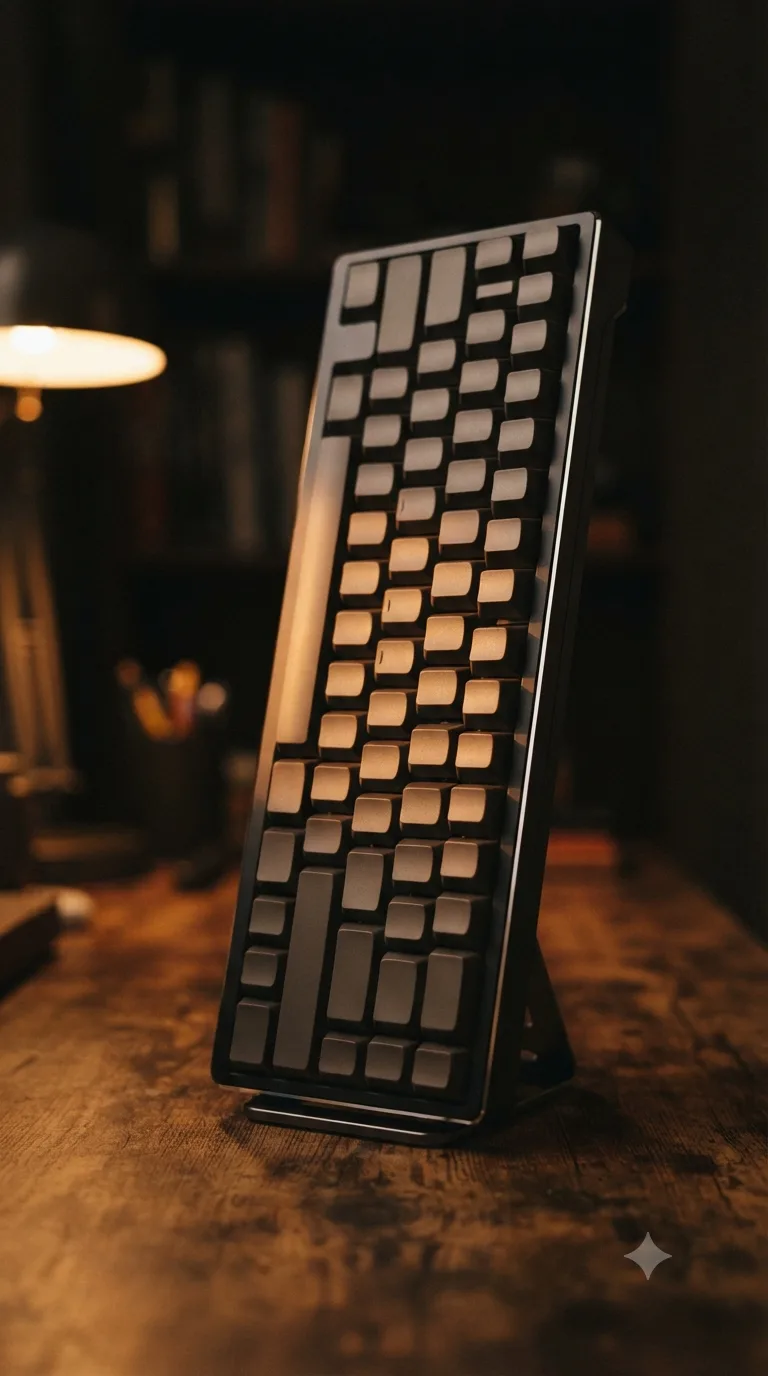
The desk-space argument — why gamers really go small
The genuine case for smaller boards is geometry, not switches. Every centimeter of keyboard you remove lets the mouse sit closer to your body's centerline. For low-DPI FPS aiming — where players sweep the mouse across large arcs — that means more usable sweep room and the mouse hand working at a narrower angle from the shoulder. That's the measurable, physical reason competitive players cluster on 60–65% boards; it has nothing to do with "gaming switches." The same geometry applies to any desk: a narrower board simply brings the mouse closer to where your typing hands already are. (That is a statement about desk geometry, not a health claim — comfort is personal.)
Layer honesty: the 60% learning curve is real
Marketing for 60% boards makes layers sound free. They aren't. On a 60%, arrows, F-keys, Delete, Home/End,
PgUp/PgDn, and often ~ all live behind a Fn key, and the mapping differs by brand unless the
board runs QMK/VIA (see QMK & VIA explained). Committed users
internalize the layer in a week or two and never look back; many office users never internalize it
and quietly go back to a bigger board. If you're not excited to learn layers, don't buy a board
that requires them — 65% gives you most of the footprint win with none of the homework.
The compressed-layout gotchas (75% and 96%)
75% and 96% keep keys but delete the gaps between clusters, so the arrow block, Delete, and the right-edge nav column sit in slightly unfamiliar positions. Touch-typists will misreach those edge keys for the first few days — the adjustment is real but short, because the alphanumeric block itself is unchanged and typing speed is unaffected. On 75% boards, also check which nav keys made the cut: most keep Delete and PgUp/PgDn, but Home/End often become Fn chords.
Our picks, mapped by size
From our ranked picks (research-based, how we evaluate; live Amazon search links, no prices or ratings):
- Full-size: Keychron V6 (5-pin hot-swap, QMK/VIA) and the Logitech MX Mechanical (office low-profile, multi-device wireless — but sealed: no hot-swap or QMK).
- TKL: Keychron K8 Pro (87-key wireless workhorse with QMK/VIA) and, for competitive gaming specifically, the Razer Huntsman V3 Pro TKL.
- 75%: the busiest size in our list — Keychron V1 (budget hot-swap), RK Royal Kludge RK84 (84-key budget triple-mode), EPOMAKER TH80 Pro (pre-built enthusiast), NuPhy Air75 V2 (low-profile), and the Logitech MX Mechanical Mini.
- 65% and 60%: the Keychron V-series and K-Pro lines both offer 65% variants (and the V4 at 60%) with the same hot-swap/QMK platform as our full-size and TKL picks.
It's no accident 75% dominates: it's the smallest size that keeps a dedicated F-row and arrows, which is exactly where most desk workers' actual usage lands.
Related guides
Frequently Asked Questions
Full-size (~104 keys) has everything including the numpad. 96%/1800 (~100 keys) keeps the numpad but compresses everything together. TKL/80% (87–88 keys) drops the numpad. 75% (~82–84 keys) keeps the F-row and arrows in a compressed block. 65% (~67–68 keys) drops the F-row but keeps arrows. 60% (~61 keys) drops both arrows and F-row, putting them on a Fn layer. 40% drops the number row too — enthusiast territory.
A tenkeyless (TKL, also called 80%) keyboard has 87 keys in ANSI (US) layout or 88 in ISO. It is a full-size board minus the 17-key number pad block, keeping the full function row, arrow cluster, and navigation keys.
Usually not for most office users. A 60% board (~61 keys) has no dedicated arrow keys, F-row, Delete, Home/End, or PgUp/PgDn — all of those live on a Fn layer you must learn. The layer system genuinely works once memorized, but it is a real learning curve that many office users abandon. If you press arrow keys constantly (writing, spreadsheets, code), 65% is the practical minimum.
Smaller boards (60–75%) are popular with gamers for a geometric reason, not a switch reason: a narrower keyboard lets the mouse sit closer to your body's centerline, giving more sweep room for low-DPI aiming. If your games use F-keys heavily (MMO binds, debug/console keys), 75% or TKL keeps them dedicated; pure FPS players often go 60–65%.
A 96% (also called 1800 layout, after the classic Cherry G80-1800) fits about 100 keys into nearly a TKL footprint by deleting the gaps between key clusters. You keep the numpad, F-row, and arrows, but the packed clusters mean touch-typists briefly misreach keys like Delete or the arrow block until muscle memory adjusts — typically days, not weeks.
Yes, briefly. 75% and 96% delete the gaps that normally separate the arrow, navigation, and numpad clusters, so keys sit in slightly unfamiliar spots. Touch-typists commonly misreach right-edge keys (Delete, End, arrows) for the first days. The adjustment period is real but short — the alphanumeric block itself is unchanged, so typing speed is unaffected.